There is a spreadsheet on someone's desktop right now that is doing the job of four software subscriptions. The subscriptions are still being paid. Nobody is sure who set them up. The spreadsheet, though, gets opened every morning because it actually has the answers.
That is the real state of operations for most small businesses. Not chaos, exactly. More like a slow accumulation of tools that each solved one problem and created two new ones. A custom dashboard for small business is not a trend or a tech upgrade. It is the moment you decide to stop paying for tools that don't fit and build one thing that does.
The Subscription Graveyard Most Small Businesses Are Paying For
Here is a stack that shows up constantly in conversations with small business owners. A project tracker for tasks. A CRM to log client interactions. A time-tracking tool someone on the team requested once. A reporting add-on that came bundled with something else. And the original spreadsheet, still there, still doing most of the actual work.
That is five line items on the credit card statement. Most months, three of them go untouched. The team has quietly agreed, without saying it out loud, that the spreadsheet is the real system. Everything else is furniture.
The cost is not just the subscriptions. It is the meeting where nobody can agree on which number is right because the CRM says one thing and the spreadsheet says another. It is the owner who is the only person who knows how to pull a useful report. It is the new hire who gets three different logins on day one and quietly decides the WhatsApp group is where work actually gets done.
If any of that sounds familiar, the problem is not that you picked the wrong software. The problem is that off-the-shelf software is built for the average business. Your business is not average. It has a specific workflow, a specific team, and specific things the owner needs to see at 8 in the morning. No subscription was designed with that in mind.
Why Every New Tool Ends Up Abandoned in Three Months
The sales cycle for most SaaS tools is polished and fast. The demo looks clean. The pricing page has a free tier. Someone on the team volunteers to set it up over the weekend. For about six weeks, a few people use it. Then the usage quietly drops. By month three, one person is still logging in, mostly out of obligation.
This is not a discipline problem. It is a design problem. Off-the-shelf tools are built around a generalized workflow and then configured, sometimes extensively, to approximate the real one. Every configuration is a compromise. Every compromise is a step that makes the tool slightly less useful than the spreadsheet it was supposed to replace.
The team figures this out faster than the owner does. They are the ones who have to click through four screens to log something they used to type in a cell. They are the ones who can't find last week's data because it is buried under a filter they don't understand. So they go back to the spreadsheet. Not because they are resistant to change, but because the spreadsheet is actually faster for what they need to do.
A tool that adds clicks instead of removing them will not get used. That is not a cultural issue. That is just how people work.
If you have already been through this cycle once or twice, you are probably familiar with the quiet embarrassment of canceling another subscription. That embarrassment is misplaced. The tool was not built for your workflow. You were being asked to adapt to it. That is backwards.
The Real Problem Is Not the Software. It Is the Shape of the Information.
Most conversations about replacing subscriptions get stuck on features. Which tool has a better Kanban view. Which CRM has the best mobile app. Whether the reporting module can export to PDF.
Those are the wrong questions. The right question is: what does the person who runs this business need to see, today, to know that things are on track?
Usually the answer is something like: who is working on what, whether any client deadlines are at risk this week, and whether the pipeline has anything worth paying attention to. That is three pieces of information. Combined, they fit on one screen. No tabs. No filters. No login to a second tool to get the third piece.
When you build a custom dashboard for small business operations, you start there. Not with features, not with integrations, not with what the software can do. You start with what the owner needs to see in the first thirty seconds of the day. Everything else is secondary.
This reframe matters because it changes what you are actually buying. You are not buying a project manager or a CRM or a reporting tool. You are buying one answer to one question: is everything on track right now? If the tool answers that question in under a minute, it will get opened every morning. If it doesn't, it won't.
This is also why the signs that your business has outgrown Excel are rarely about Excel itself. They are about the moment when the spreadsheet stops being able to hold the answer to that question without becoming a second full-time job to maintain.
What a Single Custom Dashboard Actually Looks Like in Practice
The Veridian project is an illustrative build for a fictional consulting firm of about a dozen people. It exists as a working demo, not a client story, but it was designed to reflect a pattern that shows up in real businesses constantly.
Before the dashboard, the team tracked active client engagements across a shared Excel file, several WhatsApp threads, and individual email inboxes. Nobody could answer the question "what is the status of the client X engagement?" without messaging two or three people first. Deadlines slipped. The owner was the only person who had the full picture, and that picture lived in her head, not anywhere the team could see.
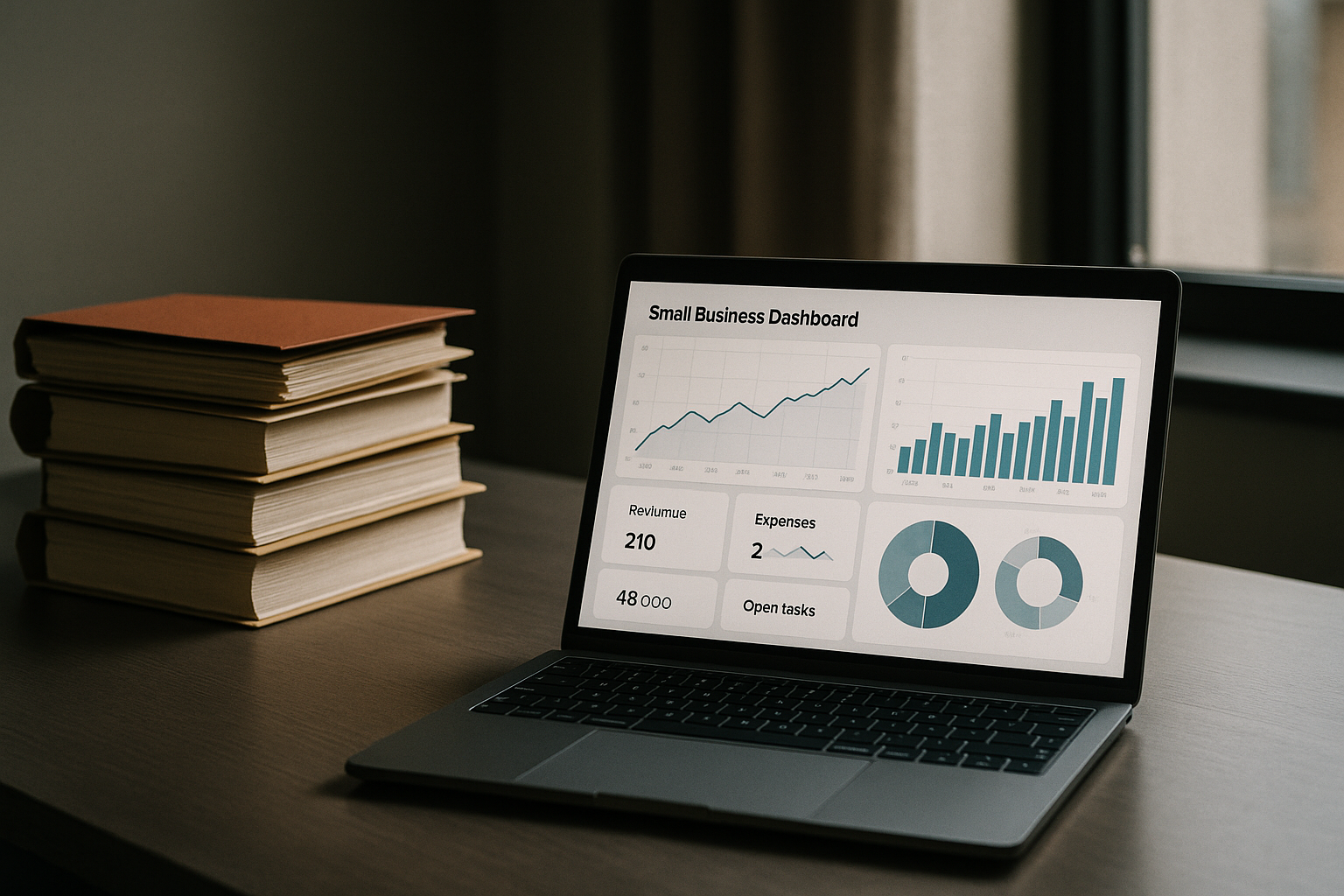
The dashboard replaced all of that with one screen. Active engagements, each with an owner, a current status, and a days-to-deadline count. A second view showing each team member's responsibilities for the current week. A third view that could be exported as a clean PDF for client status updates.
Three SaaS subscriptions became unnecessary the week it went live. Not because the dashboard had more features. Because it had the right information in the right shape for the way that team actually worked. The least technical person on the team could open it, read it, and know what to do next. That is the test. If the least technical person can't pass it, the build isn't done.
That kind of fit does not come from configuring a template. It comes from watching how the team actually works before writing a single line of code. The workflow on paper and the workflow in practice are almost always different. Building from the real one is the difference between a dashboard that gets used and one that becomes subscription number six.
What the Math Actually Looks Like
The assumption most small business owners carry is that custom software is expensive. Tens of thousands of dollars. Enterprise territory. Not for a team of eight people.
That assumption is usually wrong, and it is worth doing the arithmetic. Three SaaS subscriptions at forty dollars a month each is a hundred and forty-four dollars a year on the low end. A project tracker, a CRM, and a reporting tool at more realistic pricing can easily run four hundred to six hundred dollars a month. That is five to seven thousand dollars a year, recurring, for tools nobody is fully using.
A custom dashboard for small business operations, built to a fixed scope with fixed pricing, is a one-time cost. No monthly billing. No per-seat pricing that scales against you when you hire two more people. No feature tier that locks the thing you actually need behind a more expensive plan.
The honest version of the math often surprises people. Custom is not always the cheaper option, but it is cheaper far more often than the assumption suggests. And unlike a SaaS subscription, the cost does not compound. You pay once. You own it. If it needs to change as the business grows, you pay for the change, not a new monthly line item forever.
There is also a cost that doesn't appear on the credit card statement: the time spent every week managing the gap between the tools and the actual workflow. The meeting that runs twenty minutes longer because nobody can pull the right number. The report that takes two hours because the data lives in three places. A well-built dashboard eliminates most of that. Over a year, the time savings often exceed the build cost on their own.
For a deeper look at how SaaS stacking costs quietly compound, this piece on the real cost of the SaaS subscription model breaks it down in detail.
Is a Custom Dashboard the Right Move for Your Business?
Not always. That is the honest answer.
Some businesses are genuinely well-served by a combination of off-the-shelf tools, especially if the workflow is simple, the team is very small, or the operations don't require much coordination between people. If a two-person business is managing everything in a single spreadsheet and nobody is getting lost, the spreadsheet is probably fine. The right answer is sometimes a better weekly meeting, not new software.
The cases where a custom dashboard clearly wins are the ones where the information is complex enough that the spreadsheet has become a liability, where the team has tried one or two SaaS tools and abandoned them, and where the owner is the bottleneck because the full picture only exists in their head. Those are the situations where a single custom-built screen pays back the cost quickly.
The comparison between no-code tools and custom dashboards is worth reading if you are still deciding. No-code platforms are a legitimate middle option for some businesses, but they come with a ceiling that shows up fast in operations-heavy workflows.
The way to find out which category your business falls into is not to read more articles. It is to have a thirty-minute conversation with someone who will tell you honestly whether software is the right fix or not. That conversation should be free, and it should come without a pitch attached.
What to Do Next If This Sounds Like Your Business
The category of tool that solves the problem described in this article is a custom internal dashboard: one screen built around your actual workflow, designed for the least technical person on your team, priced at a fixed scope with no recurring subscription.
That is exactly what Daily Index builds. The process starts with a free diagnostic call where Patricio looks at how your team actually works, not how you think you work, and gives you an honest read on whether a custom build makes sense or whether something simpler would do the job. If the answer is no, you leave with a useful opinion and no invoice. If the answer is yes, you leave with a clear picture of what a build would look like and what it would cost.
The 30-day post-delivery guarantee means any bug or issue in the first month after delivery is fixed at no charge. Fixed-scope pricing means the number you agree to at the start is the number on the final invoice. No surprises, no hourly billing while the build is in progress.
If you are paying for tools your team doesn't open, and the spreadsheet is still doing most of the actual work, that is the conversation worth having.
Book a free workflow diagnostic. Thirty minutes. No pitch. Patricio will look at your current setup and tell you honestly whether a custom dashboard is the right fix, or point you somewhere more useful if it isn't. Book the call here.
Frequently Asked Questions
What does a custom dashboard for small business actually cost?
Custom dashboard builds are quoted on a fixed-scope basis, meaning the price is agreed before any work starts and doesn't change. The cost depends on the complexity of the workflow, the number of views needed, and whether any integrations are required. The free diagnostic call is the right place to get a real number for your specific situation.
How long does it take to build and deploy a custom dashboard?
Simple builds for a single workflow typically take two to four weeks from scoping to delivery. More complex dashboards with multiple views and integrations take longer. Timeline is confirmed during the scoping conversation, not estimated after the fact.
Will my team actually use it, or will it end up like the other tools we bought?
The build starts by watching how your team actually works, not how the workflow is supposed to work on paper. Every design decision is made with the least technical person on the team in mind. If they can't open it and know what to do in under a minute, the build isn't done.
Can a custom dashboard for small business replace a CRM?
For many small businesses, yes. Most small-business CRM usage comes down to tracking who owns which client relationship, what the current status is, and what needs to happen next. A custom dashboard for small business can surface exactly that information without the overhead of a full CRM platform. The diagnostic call is the place to figure out whether a custom build can replace your specific setup.
What happens if something breaks after the dashboard is delivered?
Any bug or issue in the first 30 days after delivery is fixed at no charge. No hourly billing, no support ticket queue. After the 30-day window, ongoing support is available as a separate arrangement for clients who want the dashboard to evolve with the business.
Is custom software only for businesses with a big technical team?
No. The businesses Daily Index builds for are almost always run by non-technical owners who were raised on Excel and have no in-house developers. The dashboard is designed to work for that team, not require them to become technical to use it.